Introducing UKG!

UKG is a platform where you can manage many of your employment-related information and settings and that you can access on your phone, tablet, laptop, and personal computer. For more information, check out our training guides: UKG for Associates  |  UKG for Managers

Getting Started with UKG

What is it?

UKG is an app where you can:

  1. View and update personal info and emergency contacts.

  2. Edit tax forms and direct deposit information.
  3. Submit and track PTO.
  4. Update 401(k) contributions.
  5. Access year-end tax forms.

Log in

  1. Download the app. (Click here if you don’t want to download an app.)
  2.  Enter “TorgersonInc” for the Workspace access code.
  3. Enter your TPI (or personal) email address for the username.
  4. Enter your date of birth in “MMDDYYYY”. for the password.
  5. Change your password.

Review

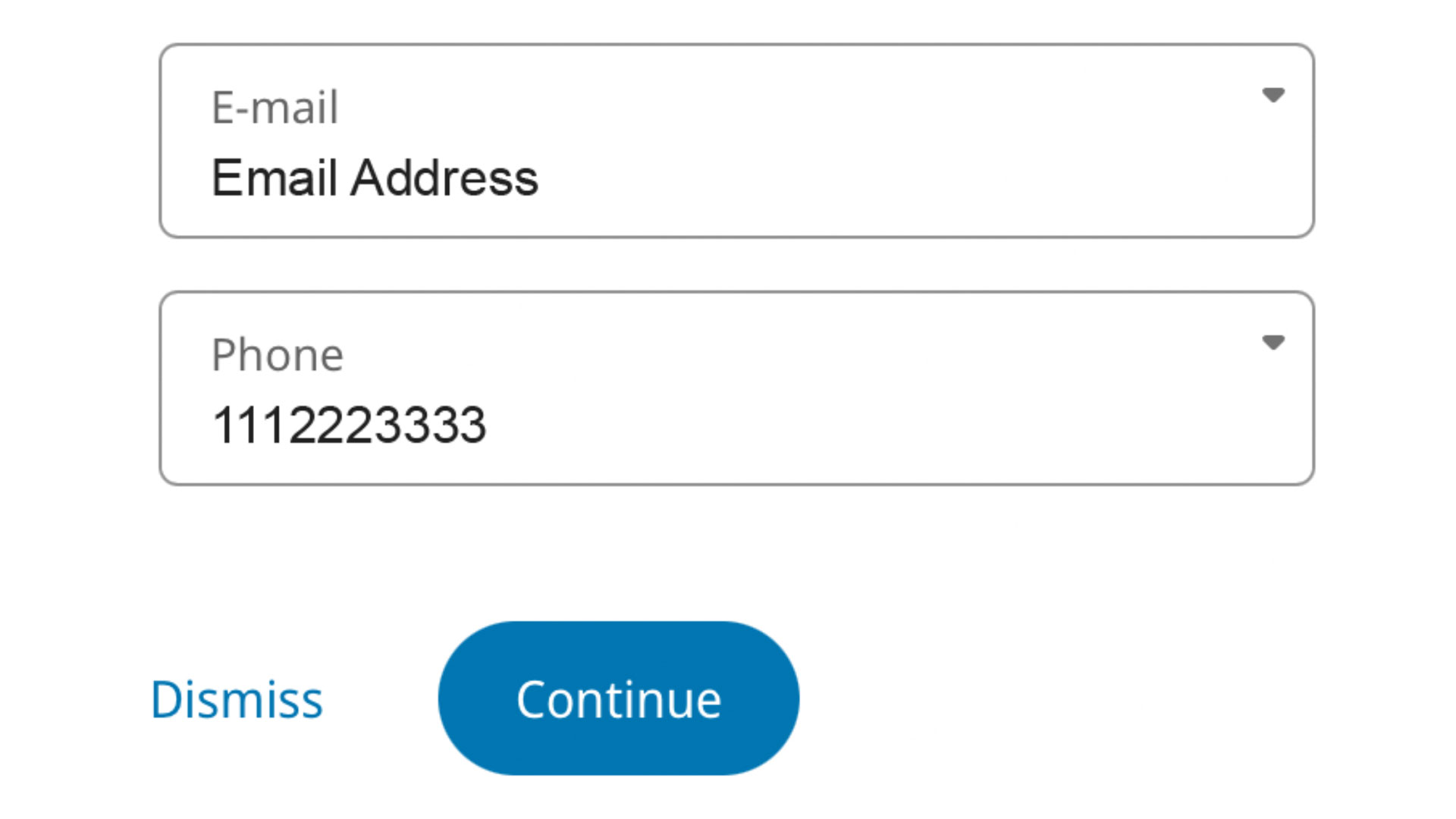
  1. Review your email address.
  2. Review your phone number.
  3. Tap “Continue”.
Emergency Contact Animation

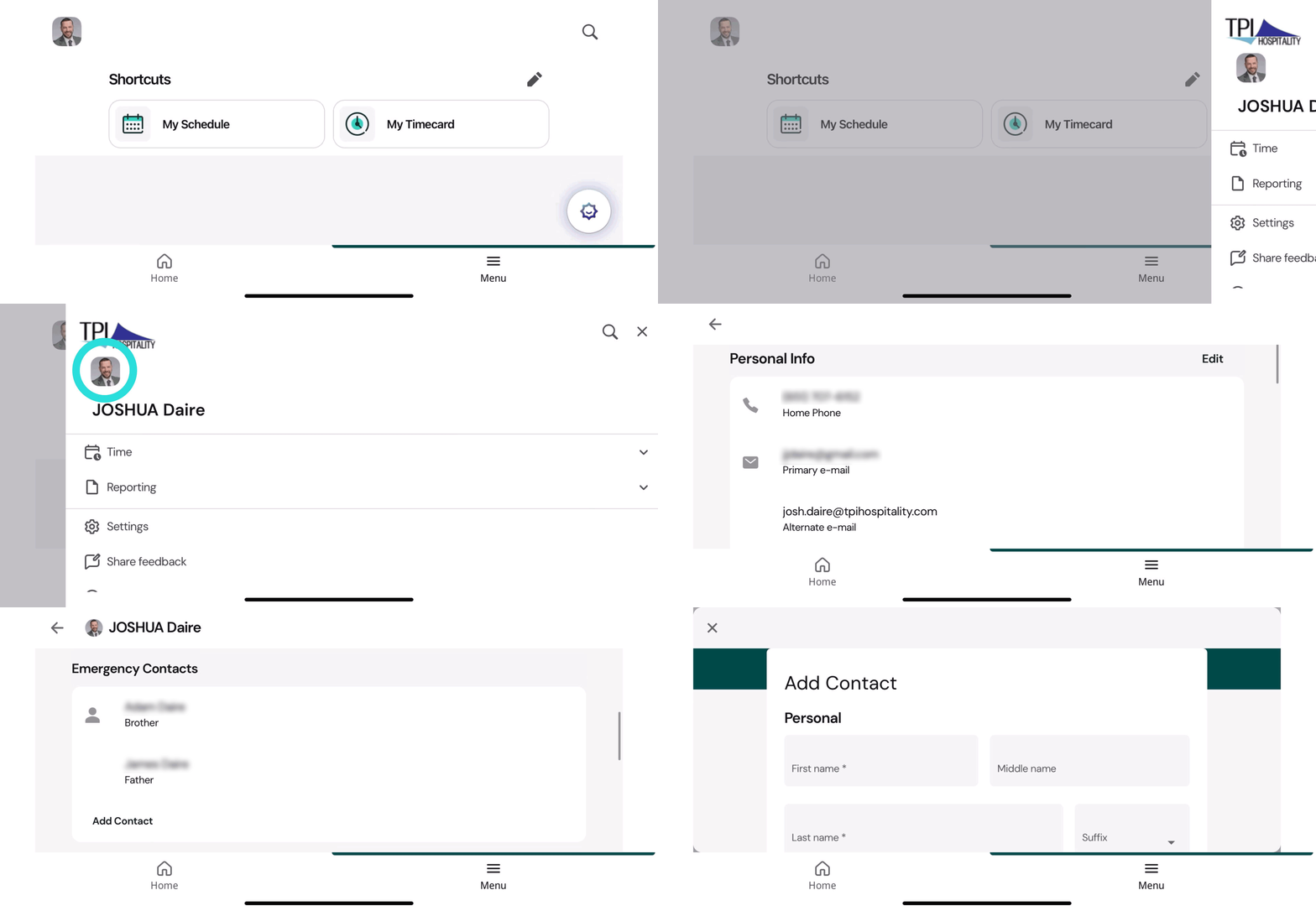
Emergency Contact

  1. Tap on “Menu”
  2. Tap on Profile Pic or Initials.
  3. Scroll to Emergency Contact and tap “Add Contact”.
  4. Fill out the starred fields and tap “Submit”.
Scroll to Top